GTA 6 Too Much Baggage walkthrough
Too Much Baggage walkthrough
At the airport, explain yourself to the guard at the gate, leave your car in the lot and walk over to the office close by.
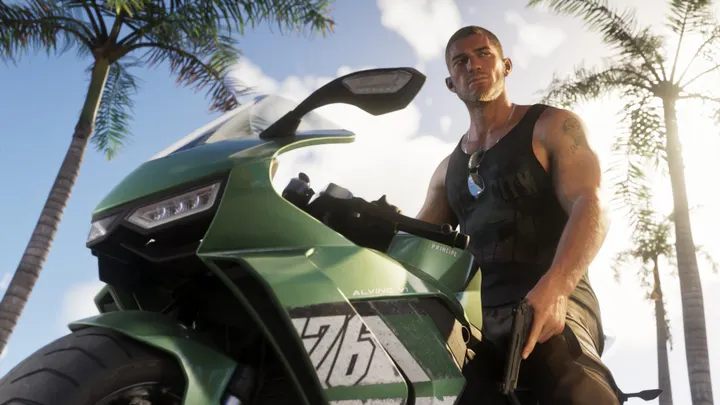
Omar gives Jason a ride around the airport.
His glasses work as a camera for Karim, so in first person keep looking at each highlighted box until it goes green.
Climb onto the baggage tug and back it up into the two trailers so they hook on.
Take the tug to the plane at the southern end of the airport and toss the luggage to Omar.
Hold the button to charge the power bar, then let go slightly before it hits the middle, since it creeps on a little after you release.
Give Omar an excuse, step out of the bay and make your way to the security office.
While you work, plant the bugs that let Karim into the airport's security system.
The device goes behind the toilet in the restroom next to the security office.
Walking out of the restroom takes you back to Omar.
When he speaks to you, focus on him and accept the job to end the mission.
Updated
What is the Too Much Baggage mission?
Too Much Baggage is a Jason-only VCIA Takedown setup mission, marked Scope Out the Airport. Jason takes an undercover job handling luggage at Vice City International Airport, working under Omar, the head baggage handler.
It unlocks after Making Gainz, when Raul sends Jason to scout the airport. Drive to the airport to get it started.
What Too Much Baggage leads to
Omar turns up again in Close Surveillance, where Jason watches Nate and Cisco lean on him to get them into the airport.